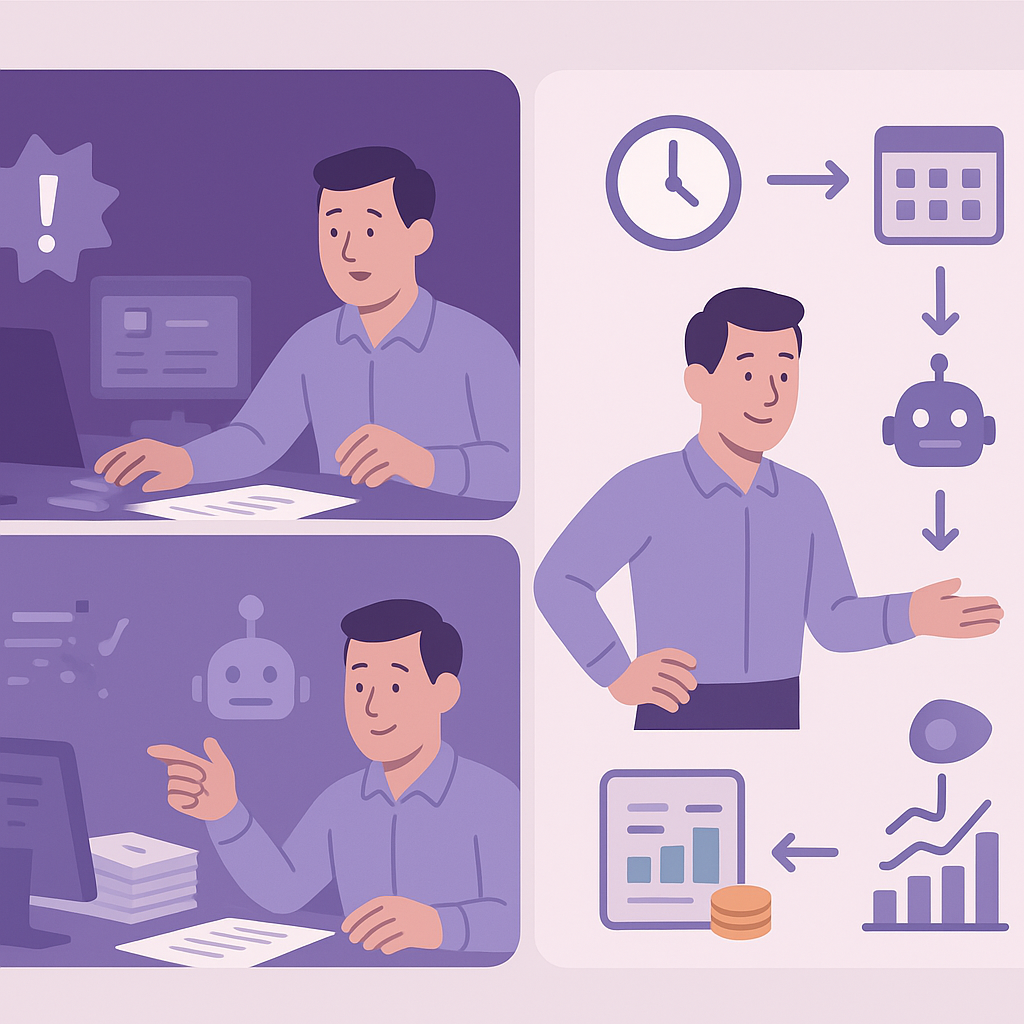
Why UK SMEs Should Automate Daily Financial Reconciliation
Spending hours daily matching bank statements as a UK SME owner? Daily financial reconciliation automation UK SMEs can eliminate that burden with simple steps.
Why UK SMEs Should Automate Daily Financial Reconciliation
Daily financial reconciliation automation for UK SMEs is revolutionising accounting processes by automatically matching bank transactions with your ledger records. This means no more manual data entry or endless spreadsheet juggling, allowing you to save precious time and drastically reduce the chance of costly errors. With tools tailored for the UK market, such as Xero and QuickBooks, you can achieve seamless integration that keeps your finances accurate and up-to-date.
Manual reconciliation methods often lead to admin overload, delayed financial insights, and potential compliance pitfalls, especially as your business grows. For UK SMEs navigating Making Tax Digital requirements and HMRC expectations, staying on top of daily transactions is crucial to avoid penalties and maintain healthy cash flow. This step-by-step guide will walk you through implementing daily financial reconciliation automation UK SMEs need to thrive without requiring advanced technical skills.
Whether you’re dealing with seasonal peaks, multiple bank accounts, or expanding operations, automation provides real-time visibility into your finances. You’ll discover how to set up secure bank feeds, configure smart matching rules, and ensure everything complies with UK regulations, empowering your team to focus on growth rather than paperwork.
What Is Daily Financial Reconciliation?
Daily financial reconciliation involves comparing and matching your bank transactions against your accounting records every single day. Unlike traditional monthly reconciliations, this proactive approach ensures discrepancies are spotted immediately, preventing small issues from snowballing into major problems. For UK SMEs, it’s about verifying deposits, payments, fees, and transfers to keep your books in sync with reality.
The process typically includes importing bank statements, categorising transactions, and resolving any unmatched items. By doing this daily, businesses gain timely insights into cash positions, which is vital for forecasting and decision-making. It also aligns perfectly with UK regulations like Making Tax Digital (MTD), where quarterly VAT submissions demand precise, current data.
- Early detection of errors or fraud.
- Improved cash flow visibility for better planning.
- Easier compliance with HMRC’s digital reporting standards.
- Reduced end-of-month reconciliation backlog.

Daily financial reconciliation = Daily matching of bank statements to accounting ledgers for accuracy and compliance.
Struggles UK SMEs Face with Manual Reconciliation
Many UK SMEs still rely on manual reconciliation, spending hours exporting CSV files from banks, inputting data into spreadsheets, and cross-checking entries. This tedious work not only drains time but also invites human errors like transposed numbers or missed transactions, leading to inaccurate financial reports.
As businesses scale, the volume of transactions grows, overwhelming finance teams and delaying critical insights. Seasonal traders, for instance, face spikes that exacerbate mismatches, impacting cash flow predictions and supplier payments. Additionally, manual methods struggle with multi-bank setups common in UK SMEs expanding internationally.
- Time wasted on data entry (up to 10+ hours weekly).
- Frequent mismatches causing balance discrepancies.
- Scaling issues with increased transaction volumes.
- Delayed insights hindering cash flow management.
- Higher risk of non-compliance with UK tax rules.

Manual reconciliation can lead to undetected fraud, VAT errors, or HMRC fines due to inaccurate records.
Benefits of Daily Financial Reconciliation Automation for UK SMEs
Automating daily financial reconciliation delivers immediate time savings, freeing your team from repetitive tasks to focus on strategic activities. With accurate, real-time matching, errors plummet, providing reliable data for informed decisions on investments, hiring, or expansions.
For UK SMEs, automation enhances scalability, handling growth without proportional admin increases. It also simplifies compliance by maintaining audit-ready records, supporting MTD submissions effortlessly. Overall, it fosters better financial health through precise cash flow tracking and reduced operational costs.
- Save hours weekly on admin tasks.
- Minimise errors and discrepancies.
- Access real-time financial insights.
- Scale effortlessly with business growth.
- Ensure UK compliance and audit readiness.
- Lower costs by reducing manual labour.
Choosing the Right Accounting Software and Tools for UK SMEs
Selecting the right software is key to successful daily financial reconciliation automation UK SMEs. Prioritise platforms with seamless bank integrations via Open Banking, strong UK VAT handling, and user-friendly interfaces. Popular choices include Xero, QuickBooks Online, and FreeAgent, all HMRC-approved for MTD.
Evaluate based on your business size, transaction volume, and integrations needed. Trial periods allow testing reconciliation features without commitment. Look for mobile apps, support quality, and scalability to future-proof your setup.
- UK VAT and MTD compliance.
- Secure Open Banking bank feeds.
- Easy rule-based matching.
- Affordable pricing for SMEs.
- Excellent customer support.
- Positive user reviews from UK businesses.
Xero: Intuitive, great integrations. QuickBooks: Robust reporting. FreeAgent: Tailored for UK freelancers/SMEs.
Step 1: Set Up Automated Bank Feeds
Begin by linking your UK bank accounts to your accounting software using secure Open Banking APIs or direct feeds. Most platforms guide you through authorisation with your bank’s app, ensuring encrypted data transfer without sharing passwords.
Configure refresh settings for daily imports, typically overnight or real-time where available. Verify the first import to confirm all transactions appear correctly, categorised preliminarily.
- Log into your accounting dashboard.
- Navigate to ‘Bank Accounts’ or ‘Integrations’.
- Select your bank and authorise via Open Banking.
- Set import frequency to daily.
- Review initial data import.
Always use official Open Banking consents; revoke access if changing providers.
Step 2: Configure Rules for Automatic Transaction Matching
Next, create matching rules based on transaction references, amounts, descriptions, and payees. For example, match customer payments to outstanding invoices automatically using invoice numbers. Software often learns from your approvals, refining AI-driven suggestions over time.
Handle common scenarios like supplier payments or recurring fees with predefined rules, flagging exceptions for manual review only.
- Rule for invoice payments: Match by reference and amount.
- Expense rules: By supplier name and category.
- Recurring items: Auto-match identical descriptions.
- Bulk apply to historical data.
- Review and approve suggestions.
Payment ref ‘INV-123’ + £500 = Matches Invoice 123.
Step 3: Integrate and Customise Your Workflows
Integrate reconciliation with invoicing, expenses, and reporting for end-to-end automation. Customise categories, handle multi-currency transactions if applicable, and set up alerts for large unmatched items.
This creates a unified workflow where reconciled data flows directly into P&L reports and cash flow forecasts, enhancing overall financial control.
- Link to invoicing module.
- Customise expense categories.
- Enable multi-currency if needed.
- Set exception alerts.
- Automate report generation.
Step 4: Test, Ensure UK Compliance, and Best Practices
Test your setup with historical or sample data, resolving any mismatches and refining rules. Train your team on reviewing exceptions and provide ongoing monitoring to maintain accuracy.
Prioritise UK compliance: GDPR for data security, VAT accuracy for MTD, and audit trails for HMRC. Schedule regular reviews to update rules with business changes.
- Run test reconciliations.
- Resolve 100% of exceptions.
- Document processes.
- Train staff.
- Quarterly rule audits.
Non-compliant setups risk HMRC penalties; always verify MTD and GDPR adherence.
Achieve Effortless Financial Control with Automation
Implementing daily financial reconciliation automation UK SMEs unlocks a new level of efficiency and accuracy in your finances. By following these steps—from bank feeds to compliance testing—you’ll reduce manual workloads, gain real-time insights, and position your business for sustainable growth.
This approach not only saves time but also mitigates risks associated with errors and regulatory non-compliance, giving you peace of mind. UK SMEs adopting automation report better cash management and scalability, proving it’s a smart investment in operational resilience.
Consider reviewing your current processes or consulting specialists to tailor these steps to your needs. Start small, measure results, and expand confidently to transform your financial operations.
Key points
- Daily financial reconciliation automation UK SMEs cuts manual effort, errors, and delays in financial insights.
- Address manual struggles by selecting compliant tools with strong bank integrations.
- Follow the four steps: bank feeds, rules, integration, and testing for quick setup.
- Gain real-time data, scalability, and peace of mind with UK regulation adherence.
- Automation empowers UK SMEs to focus on growth rather than admin.
- Start small, test thoroughly, and scale your automated workflows confidently.
Frequently asked questions
Is daily financial reconciliation automation suitable for small UK businesses?
Yes, daily financial reconciliation automation is well-suited for UK SMEs of all sizes, including small businesses. It scales with your transaction volume and integrates easily with popular tools like Xero or QuickBooks, helping to reduce manual effort without requiring advanced technical skills. The setup depends on your current systems and process clarity, making it accessible for sole traders to growing teams.
How long does it typically take to set up daily financial reconciliation automation?
The time to implement daily financial reconciliation automation varies based on factors like the number of bank accounts, existing software, and data quality. Many UK SMEs can have basic bank feeds and matching rules running within a few days to a week, with full testing and refinement taking a bit longer. Starting small allows for quicker wins while ensuring reliability.
Does automation ensure compliance with UK regulations like Making Tax Digital?
Automation supports compliance with UK regulations such as Making Tax Digital by maintaining accurate, audit-ready records through secure bank feeds and transaction matching. However, you must select HMRC-approved software and configure it correctly, considering VAT handling and data security under GDPR. Regular reviews help adapt to any changes in requirements.
What should I do if automation flags an unmatched transaction?
If daily financial reconciliation automation flags an unmatched transaction, review it manually to identify issues like timing differences, fees, or new payees. Most software allows quick categorisation or rule creation to handle similar cases automatically in future. This exception-based approach minimises ongoing intervention while maintaining accuracy.
Can I integrate my existing UK bank accounts with accounting software for automation?
Yes, most major UK banks support secure integration via Open Banking APIs with accounting software like Xero, QuickBooks, and FreeAgent. This enables daily automated feeds without sharing passwords, ensuring real-time data import. Compatibility depends on your bank and software, so check during trials.
Ready to Streamline Your Financial Reconciliation?
Contact Business Automations UK for personalised guidance on setting up daily financial reconciliation automation tailored to your SME. We’ll review your processes and help ensure a smooth, compliant implementation.
This article is for general information only. It is not legal, financial, or compliance advice. If you are unsure about GDPR, HMRC, or regulatory obligations, speak to a qualified professional or reach out to us for more information.
Related Posts
Should I Use AI to Build My Website? Pros, Cons & Costs

How to Automate Client Onboarding for UK SMEs: A Practical Guide

How to Automate Insurance Claim Processing for UK SMEs: Streamline Approvals & Reduce Admin

How to Automate Subscription Billing for UK SMEs: Reduce Churn & Streamline Recurring Payments
How to Automate Health and Safety Incident Reporting for UK SMEs: Streamline Compliance & Reduce Liability

How to Automate Purchase Order Approval Workflows for UK SMEs: Cut Delays & Boost Compliance
How to Automate Vendor Invoice Processing for UK SMEs: Speed Up Payments & Reduce Errors
How to Automate Invoice Payment Chasing for UK Small Businesses: A Proven 5-Step Guide

How to Automate Supplier Onboarding for UK SMEs: Streamline Procurement & Ensure Compliance

How to Automate Inventory Management for UK SMEs: Reduce Stock Errors & Boost Efficiency
How to Automate Risk Assessment Workflows for UK SMEs: A Compliance Guide
How to Automate GDPR Data Retention Policies for UK SMEs: Delete Personal Data Lawfully
- Should I Use AI to Build My Website? Pros, Cons & Costs
- How to Automate Client Onboarding for UK SMEs: A Practical Guide

- How to Automate Insurance Claim Processing for UK SMEs: Streamline Approvals & Reduce Admin
- How to Automate Subscription Billing for UK SMEs: Reduce Churn & Streamline Recurring Payments
- How to Automate Health and Safety Incident Reporting for UK SMEs: Streamline Compliance & Reduce Liability