Why UK Small Businesses Keep Making Common Automation Mistakes
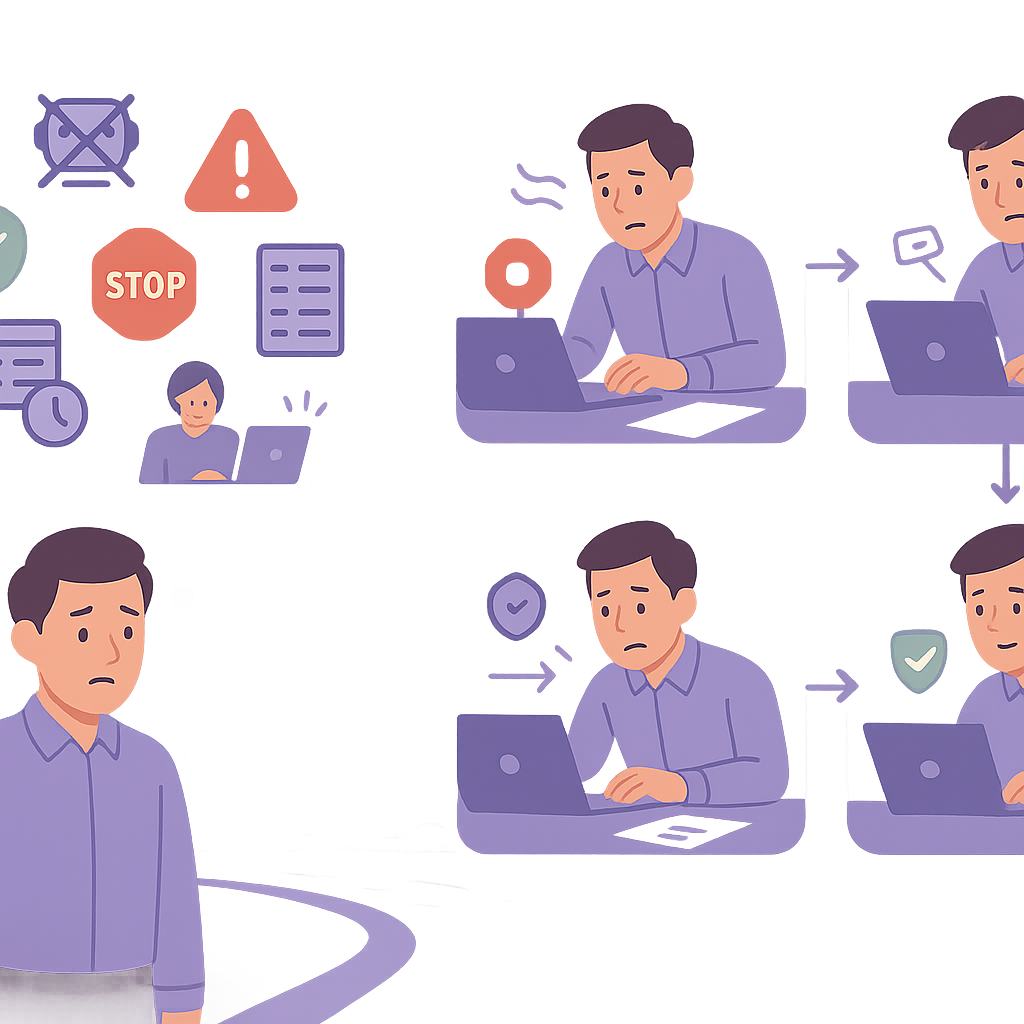
Rushing into automation without proper planning is leading countless UK small businesses straight into common automation mistakes that drain time, money, and expose them to compliance risks.
Why UK Small Businesses Keep Making Common Automation Mistakes
Common automation mistakes UK small businesses make often stem from an eagerness to boost efficiency without the necessary groundwork, resulting in broken workflows, squandered resources, and serious legal risks such as GDPR violations.
These missteps disrupt daily operations, transforming what should be a time-saving tool into a persistent headache for business owners and managers alike.
In this comprehensive guide, we dissect the seven most prevalent automation pitfalls encountered by UK SMEs and deliver practical, straightforward strategies to sidestep them, empowering you to deploy reliable automations suited to your business needs.
Common Automation Mistakes UK Small Businesses Make #1: Failing to Map Workflows Before Automating
Failing to map workflows before automating is one of the most common automation mistakes UK small businesses make. Without a clear picture of your current processes, automations are built on shaky foundations, leading to outputs that don’t align with real-world needs. Data might flow to the wrong places, tasks could be duplicated or skipped entirely, and teams end up spending more time fixing errors than benefiting from the system.

- Workflow mapping reveals bottlenecks, redundancies, and decision points that automation can address effectively.
- Skipping this step often results in ‘garbage in, garbage out’ scenarios where automated processes amplify existing inefficiencies.
- A simple map serves as a blueprint, making it easier to spot automation opportunities and predict potential issues.

Workflow mapping involves diagramming your business processes step-by-step, from start to finish. Use tools like Lucidchart, Microsoft Visio, or even pen and paper to visualise inputs, actions, decisions, and outputs. This exercise typically takes a few hours but saves weeks of troubleshooting later.
- Document every step in your process, including who does what.
- Identify decision points and error-handling paths.
- Validate the map with your team before automating.
- Prioritise processes with high repetition or error rates.
Mistake #2: Neglecting GDPR Compliance in Automation Setups
Neglecting GDPR compliance when setting up automations is a grave error, particularly for UK small businesses handling customer data. Automations that move personal data without proper safeguards can lead to unauthorised processing, data breaches, or inadequate consent records, attracting fines up to 4% of global turnover or £17.5 million, whichever is higher.
Common oversights include failing to conduct data protection impact assessments (DPIAs) for high-risk automations or not implementing data minimisation principles, where only necessary information is processed.
- Automations must log consent and allow easy withdrawal.
- Use pseudonymisation or encryption for sensitive data flows.
- Regularly audit automated data retention and deletion.

Ignoring GDPR in automations can result in ICO investigations, substantial fines, reputational damage, and loss of customer trust. Always consult the ICO’s guidance on automated decision-making and profiling.
- Perform a data audit: map what personal data your automation touches.
- Embed consent checks and opt-out mechanisms.
- Document lawful basis for each data process.
- Schedule DPIAs for automations involving profiling or large datasets.
Mistake #3: Poor Integration with Legacy Systems
Many UK small businesses rely on legacy systems like ageing accounting software or custom spreadsheets, and poor integration with modern automation tools creates data silos and inconsistencies. Without verifying API compatibility or data formats, automations fail silently, duplicating efforts or producing inaccurate reports.
Signs of trouble include mismatched data fields, sync delays, or sudden outages when one system updates.
- Check API documentation and version support before connecting.
- Map data fields meticulously between systems.
- Implement error logging for integration failures.
Legacy systems are older software not designed for modern APIs, common in UK SMEs using tools like Sage 50 or Excel-based CRMs. They offer stability but challenge integrations.
- Review API endpoints and authentication methods.
- Conduct sandbox testing with sample data.
- Roll out in phases: monitor one integration at a time.
- Set up fallback manual processes during testing.
Mistake #4: Skipping Team Training for Complex Automations
Skipping team training for complex automations leaves staff confused, leading to manual overrides, ignored alerts, or accidental triggers that break the workflow. UK small businesses often underestimate this, assuming intuitive tools suffice, but without guidance, productivity dips as teams revert to old habits.
The result? Automations that run but deliver suboptimal results, eroding the efficiency gains.
- Tailor training to roles: sales see customer flows, finance views invoicing.
- Use hands-on demos over lengthy manuals.
- Follow up with Q&A sessions post-launch.
Untrained teams cause 40-60% of automation failures through errors or resistance. Invest 1-2 hours per person upfront for months of smooth operation.
- Assess team skills gaps before rollout.
- Schedule 30-60 minute sessions per role.
- Provide cheat sheets and video walkthroughs.
- Gather feedback after one week of use.
Mistake #5: Overlooking Staff Roles in Automation Design
Overlooking staff roles when designing automations is a subtle but damaging mistake. Business owners might automate tasks in isolation, unaware of nuances only the team knows—like exceptions in order processing or customer follow-up triggers—resulting in rigid systems that frustrate users and create workarounds.
Involving staff early uncovers these insights, blending human judgement with automation for superior outcomes.
- Consult frontline workers for real process variations.
- Assign ‘automation champions’ from each department.
- Iterate designs based on team feedback.
Teams contribute 30-50% more accurate process details, reducing post-launch fixes by half. It also boosts morale and ownership.
- Hold workshops to capture team input.
- Prototype automations and test with users.
- Adjust for role-specific exceptions.
- Celebrate wins to encourage ongoing input.
Mistake #6: Neglecting Regular Automation Reviews
Neglecting regular reviews allows automations to drift out of alignment as business needs shift—supplier changes, new regulations, or process tweaks render rules obsolete, causing errors or irrelevance. UK SMEs, with lean teams, often set it and forget it, missing opportunities to optimise further.
Establishing review routines keeps systems robust and ROI climbing.
- Review triggers: quarterly, post-major changes, or error spikes.
- Metrics to check: run times, error rates, task volumes.
Unreviewed automations fail 25% more often after six months. Small issues compound into major disruptions.
- Audit rules against current processes.
- Test end-to-end with live data.
- Update documentation and retrain as needed.
- Document changes for audit trails.
Mistake #7: Automating Low-Impact Tasks First
Automating low-impact tasks first—like formatting emails or minor data entry—delivers tiny wins while high-value areas like lead nurturing or invoice chasing remain manual. This scatters effort and delays real transformation, a common trap for resource-strapped UK small businesses.
Prioritisation ensures quick, visible ROI to build momentum.
- Assess impact: time saved x frequency x value.
- Effort score: setup complexity.
- Start with 80/20 processes (high impact, low effort).
ROI = (Time Saved Annually x Hourly Rate) / Setup Cost. Example: Automating 10 hours/week invoicing at £20/hr saves £10,400/year.
- List all processes and score impact/effort.
- Pilot top 3 high-impact ones.
- Measure results after 30 days.
- Scale successes business-wide.
Avoid Common Automation Mistakes and Streamline Your UK Business
By sidestepping these common automation mistakes UK small businesses make, you can unlock the true potential of automation: streamlined operations, reduced errors, and more time for growth-focused activities.
Remember, successful automation starts with planning, compliance, team involvement, and ongoing care. Tailor these strategies to your unique processes for reliable results.
Consider reviewing your current setups or consulting experts to identify quick wins—proactive steps today prevent costly pitfalls tomorrow.
Key points
- Common automation mistakes UK small businesses make, like skipping workflow mapping, can be avoided with thorough planning and preparation.
- Prioritise GDPR compliance in every automation to protect against fines and build customer trust.
- Involve your team early and provide training to ensure smooth adoption and minimise errors.
- Regular reviews and focusing on high-impact tasks will sustain long-term efficiency gains.
- Start small but strategic to build reliable automations tailored to your UK business operations.
Frequently asked questions
What are the most common automation mistakes UK small businesses make?
UK small businesses often fall into traps like failing to map workflows before automating, neglecting GDPR compliance, poor integration with legacy systems, skipping team training, overlooking staff roles, neglecting regular reviews, and prioritising low-impact tasks. These errors can lead to broken processes, compliance risks, and wasted resources, but they can be avoided by following structured planning, involving your team, and conducting regular audits tailored to your operations.
How can I ensure GDPR compliance when implementing automations?
To maintain GDPR compliance in automations, start with a data audit to identify personal data flows, embed consent checks and opt-out options, document lawful bases for processing, and perform data protection impact assessments for high-risk setups. Factors like the type of data handled and automation complexity influence the effort required, so consulting official guidance helps integrate safeguards from the outset.
Should I map my workflows before setting up automations?
Yes, mapping workflows before automating is essential to visualise steps, bottlenecks, and decision points, preventing mismatched processes and errors. Use simple tools or diagrams to document your current operations, validate with your team, and prioritise repetitive tasks—this groundwork depends on process clarity and saves significant troubleshooting later.
What should I do if automations don’t integrate well with legacy systems?
For legacy systems, check API compatibility and data formats first, conduct sandbox testing with sample data, and roll out integrations in phases while setting up error logging and manual fallbacks. The feasibility depends on your specific tools and data quality, ensuring seamless data flow without creating silos.
How often should I review my business automations?
Review automations quarterly, after major business changes, or when errors spike, checking metrics like run times and task volumes against current processes. Regular audits help adapt to evolving needs, such as new regulations, and maintain reliability, with the frequency varying by business scale and change rate.
Ready to Sidestep Common Automation Pitfalls?
If you’re reviewing your current automations or planning new ones, get expert guidance tailored to your UK business. Contact Business Automations UK for a process review to ensure reliable, compliant setups.
This article is for general information only. It is not legal, financial, or compliance advice. If you are unsure about GDPR, HMRC, or regulatory obligations, speak to a qualified professional or reach out to us for more information.
Related Posts
How to Automate Client Onboarding for UK SMEs: A Practical Guide

How to Automate Insurance Claim Processing for UK SMEs: Streamline Approvals & Reduce Admin

How to Automate Subscription Billing for UK SMEs: Reduce Churn & Streamline Recurring Payments
How to Automate Health and Safety Incident Reporting for UK SMEs: Streamline Compliance & Reduce Liability
How to Automate Purchase Order Approval Workflows for UK SMEs: Cut Delays & Boost Compliance
How to Automate Vendor Invoice Processing for UK SMEs: Speed Up Payments & Reduce Errors
How to Automate Invoice Payment Chasing for UK Small Businesses: A Proven 5-Step Guide

How to Automate Supplier Onboarding for UK SMEs: Streamline Procurement & Ensure Compliance

How to Automate Inventory Management for UK SMEs: Reduce Stock Errors & Boost Efficiency
How to Automate Risk Assessment Workflows for UK SMEs: A Compliance Guide
How to Automate GDPR Data Retention Policies for UK SMEs: Delete Personal Data Lawfully
How to Automate Compliance Training Tracking for UK SMEs: A Step-by-Step Guide
- How to Automate Client Onboarding for UK SMEs: A Practical Guide

- How to Automate Insurance Claim Processing for UK SMEs: Streamline Approvals & Reduce Admin
- How to Automate Subscription Billing for UK SMEs: Reduce Churn & Streamline Recurring Payments
- How to Automate Health and Safety Incident Reporting for UK SMEs: Streamline Compliance & Reduce Liability
- How to Automate Purchase Order Approval Workflows for UK SMEs: Cut Delays & Boost Compliance